Fleet monitoring
What the platform shows you about the devices in service, and when it raises an alert.
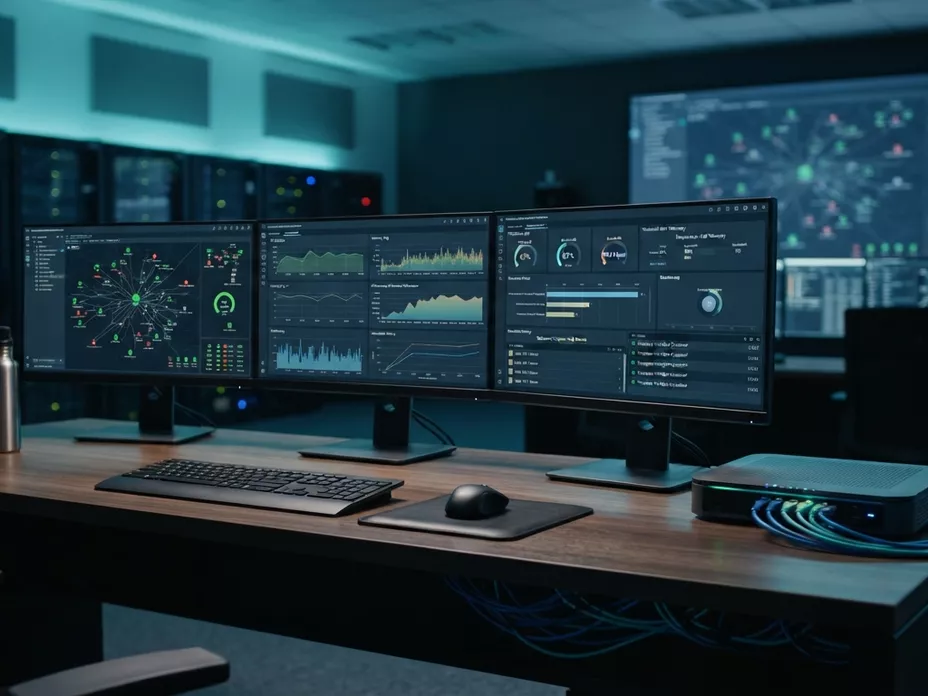
See the fleet, and act before the call
From reported to observed: Support stops depending on the customer to report the problem. Every reachable device reports its state, and a drift raises an alert while it still affects one device rather than a region.
What you get to see
- The state of every reachable device, with the date of its last contact
- Alerts on thresholds and on deviation from the expected configuration
- The execution history of each workflow, to trace a fault back to its change
- Exportable reports on the fleet and on deployment campaigns
How the picture is built
What the platform knows about a device, where that knowledge comes from, and how old it is.
What each device reports
A device announces itself when it connects and answers what it is asked. Its record holds the model, the firmware it runs, the parameters read from it and the date of its last contact — what the device said, not what someone typed into a spreadsheet.
How recent it is
As recent as the device’s last session. Its inform interval decides how often that is, and between two check-ins the platform can ask a reachable device to call in early. A device that has gone quiet is shown as quiet, with the date it last spoke, not assumed to be fine.
What raises an alert
Two things: a reported value crossing a threshold you have set, and a device moving away from the reference configuration for its profile. The second is where supervision hands over to compliance, which decides what happens next.
What it keeps
The execution history of every workflow, so a fault can be traced back to the change that preceded it, and reports on the fleet and on each campaign that export as they are rather than being rebuilt from screenshots.
Ready to automate your customer equipment?
Discover how AutoConfigPro integrates into your architecture and accelerates your telecom operations.
Targeted analysis of your CPE fleet use cases
Detailed estimate based on your active equipment count
Architecture recommendations tailored to your sovereignty needs