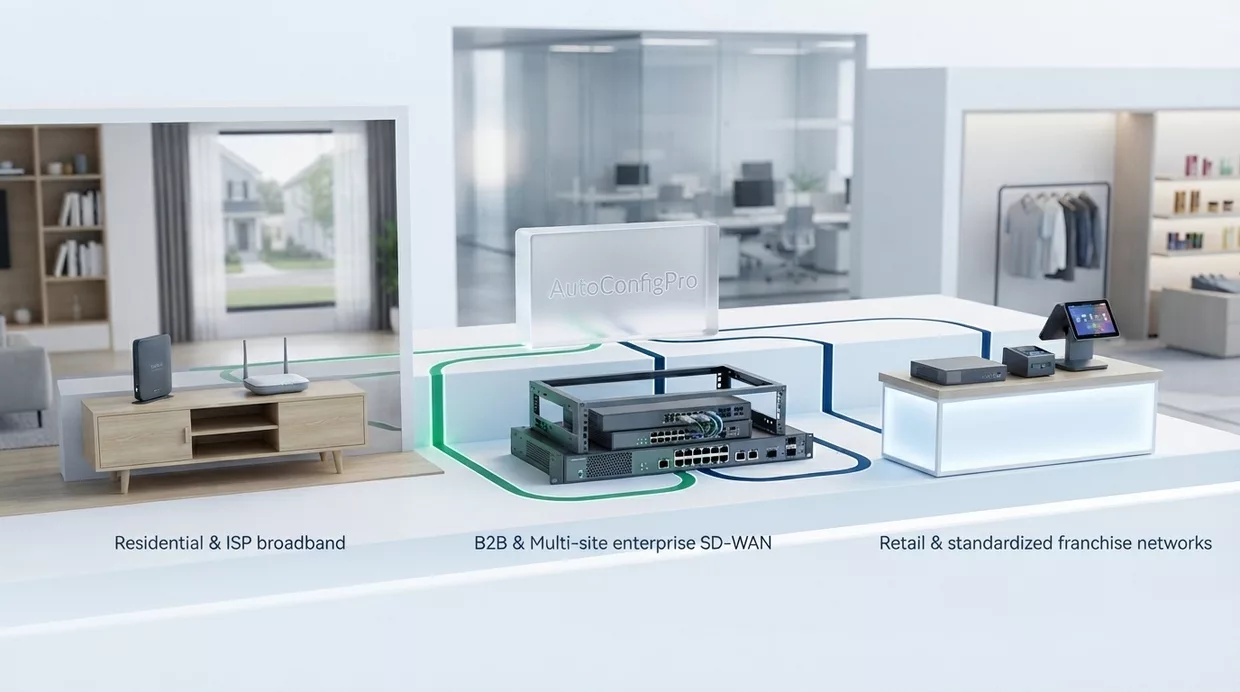
Where an ACS changes the operation
The same platform, three very different fleets: residential broadband, multi-site enterprise connectivity, and standardised retail networks.
Three fleets, three kinds of pressure
What the work looks like in each of them, and which part of the platform earns its place there.

Internet service providers
A residential fleet is large, mixed, and installed by the subscriber. A box provisions itself on its first connection, so an activation does not wait on a visit, and one workflow covers several models instead of one script per model. A drift is reported while it still affects one line — which is the difference between a scheduled fix and a call.

B2B operators and SD-WAN
Here a wrong parameter is a site that stops trading, so the staged rollout matters more than the speed: a pilot group, then batches you size yourself, and a rollback when one fails. Every change carries who approved it and when — which is what an enterprise customer asks for after an incident, not before.

Retail and multi-site networks
Sites that are meant to be identical, which makes the reference configuration the whole job. A new one is brought up from the profile for its equipment rather than by hand, and any site that moves away from that profile is listed — including the ones nobody has visited this year.
What the three have in common
Whichever of them is yours, the first four moves are the same ones.
Find out what your equipment answers
Not what the badge on it says — what its data model exposes. Two gateways from the same maker can differ, which is why this is a question about a model and a firmware rather than about a brand.
Devices and protocolsBuild one workflow, try it on a few devices
A sequence of blocks rather than a script, saved as a template the next campaign reuses. A pilot group of a handful of devices tells you what a thousand of them would have done.
How a workflow is builtWrite down what correct means
A reference configuration per equipment profile. It is not paperwork: it is the thing a drift is measured against, and nothing reports a deviation until something says what it deviates from.
Reference and driftWiden in batches, and watch
Batches you size yourself, scheduled off-peak, with a rollback when one fails. Afterwards the inventory holds every device that checked in, what it is running, and when it was last in contact.
What the fleet reports
Ready to automate your customer equipment?
Discover how AutoConfigPro integrates into your architecture and accelerates your telecom operations.
Targeted analysis of your CPE fleet use cases
Detailed estimate based on your active equipment count
Architecture recommendations tailored to your sovereignty needs